Welcome to the End User Training Series, designed to guide you through the core tools and survey workflows used during the count. This series will walk you through key functionality such as My Count, and Surveys and Drafts, helping you understand how to navigate Counting Us, manage your assignments, and submit accurate data. You’ll also learn how to complete each survey type—Known Locations, Unsheltered Surveys, Observation Tallies, and Vehicle and Makeshift Shelter Surveys—so you can confidently collect and submit information in the field.
|
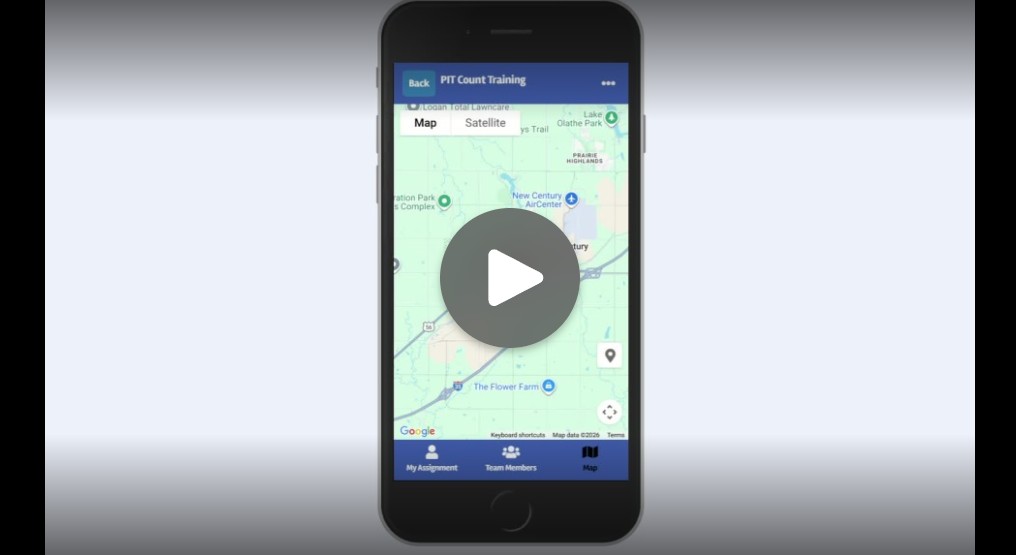
The My Count page can be used to view count information, your specific count assignments, and get directions to where you will conduct the count.
|
 |
|
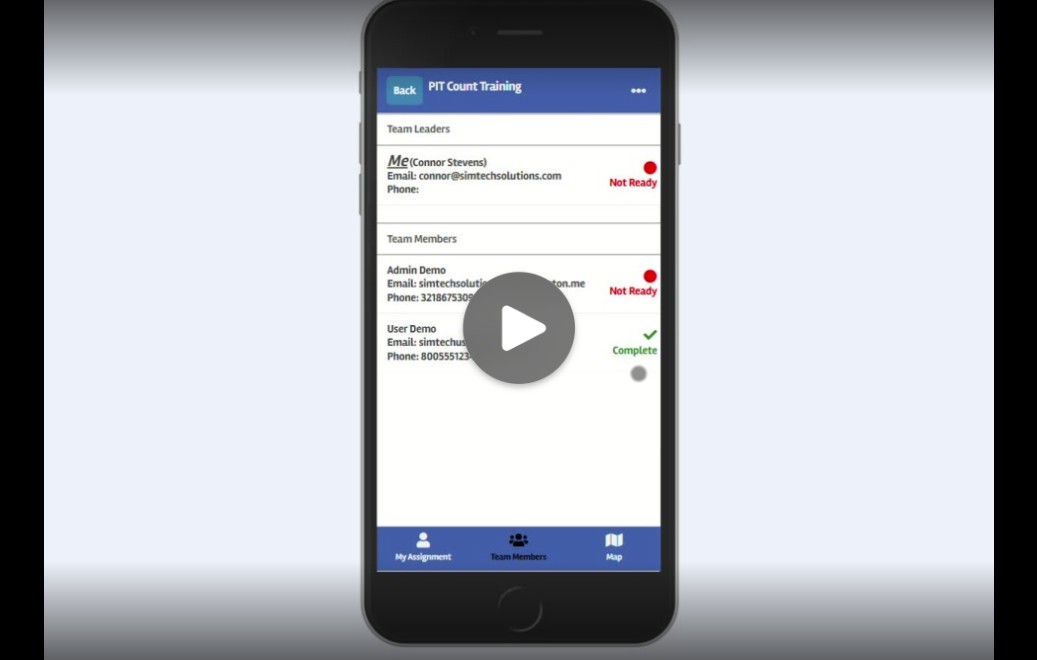
Team Leads can use Counting Us to easily coordinate with count admins. Learn how to submit reports, take team attendance, and keep everyone aligned with real-time updates—all from within My Count.
|
 |
|
The Surveys and Drafts training video covers how to start new surveys, save drafts, and return to unfinished work to ensure nothing is missed while collecting data.
|
 |
|
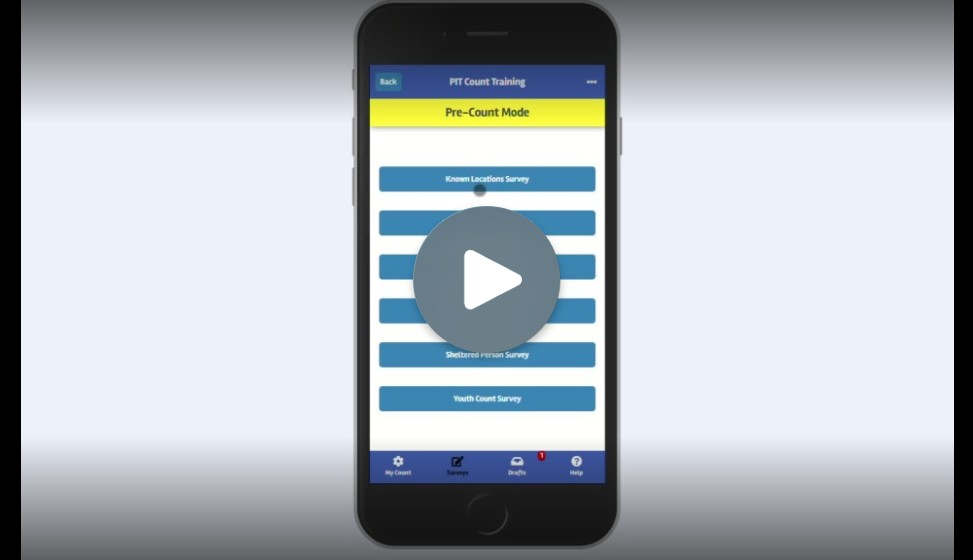
The Known Locations Surveys help count administrators with pre-count planning on where to send volunteers. This video walks through how to complete surveys at known locations. |
 |
|
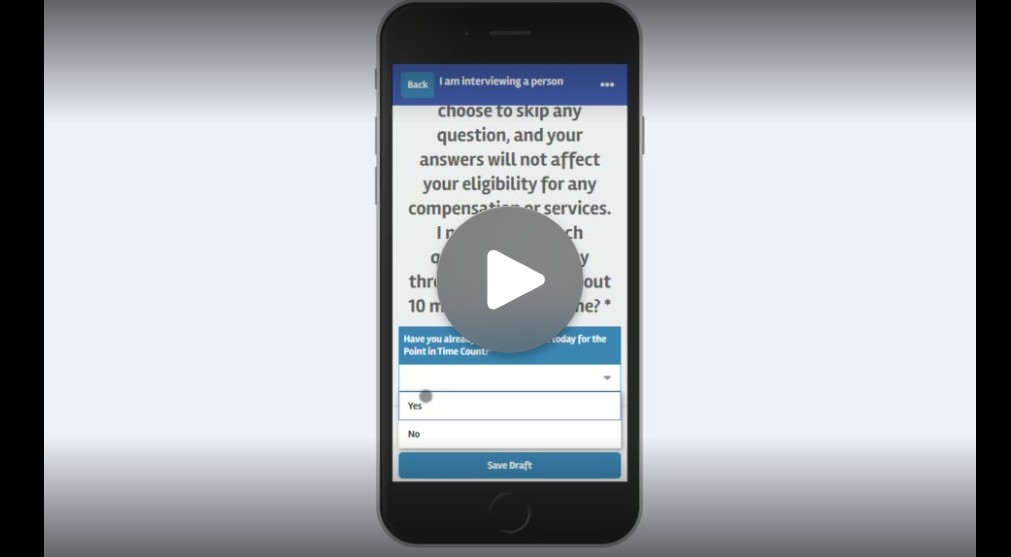
The Unsheltered Surveys video walks through the unsheltered survey process, which will be the main focus for surveyors. This focuses on engaging with individuals and capturing required data in the field. |
 |
|
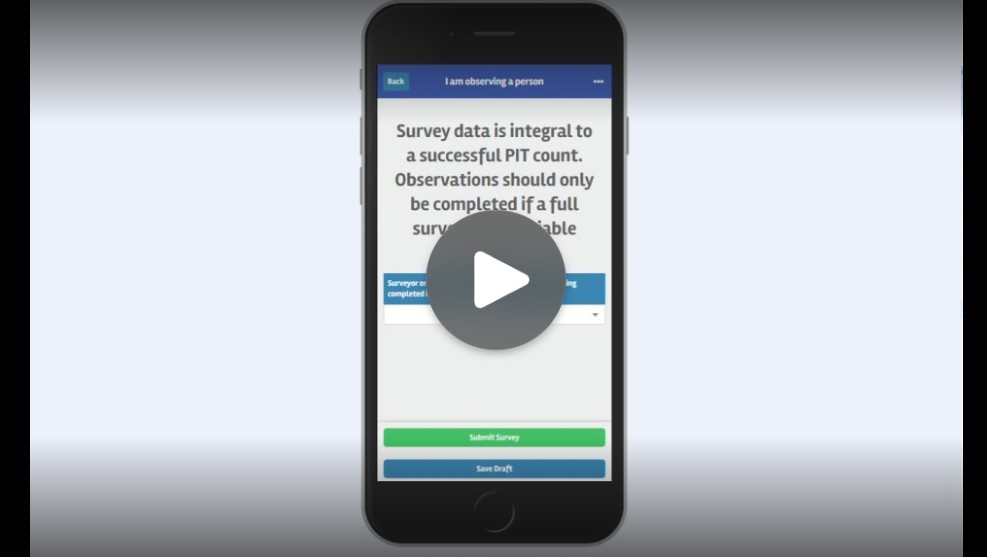
The Observation Tallies video explains how to record counts when direct engagement is not possible, ensuring all observations are documented correctly. |
 |
|
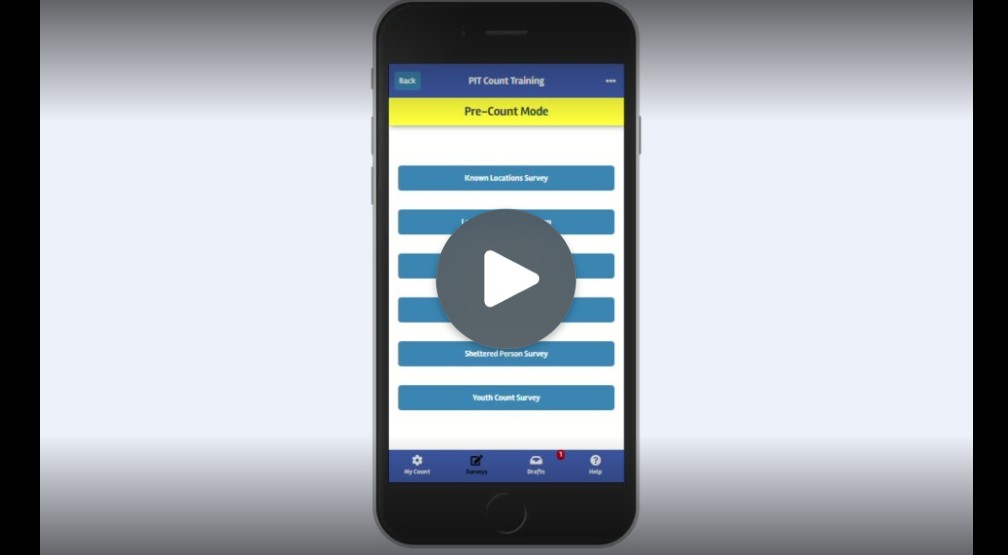
The Vehicle and Makeshift Shelter Surveys video explains how to identify and record vehicles and makeshift shelters, including the key details needed for accurate reporting. |
 |