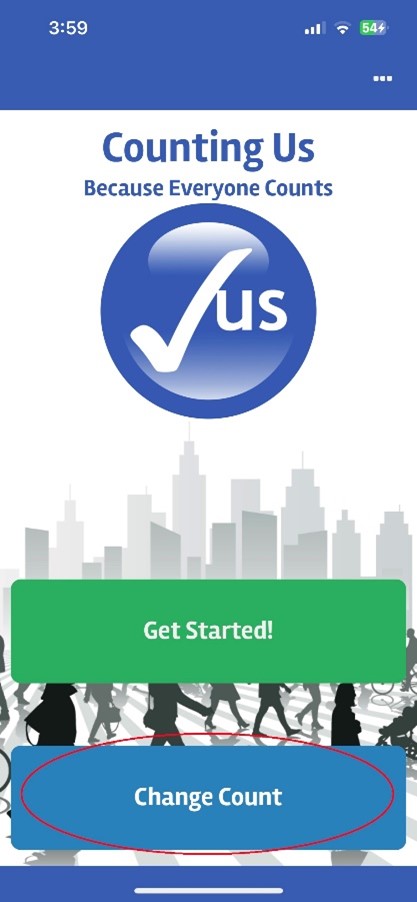
To change the Count Activity, go to the Home screen shown below and choose "Change Count". This will show a list of counts for which you have already joined. If the Count Activity that you would like to join is now shown, tap “Join New Count” and enter in the Setup Key provided by the Count Administrator to join the desired count.
 |