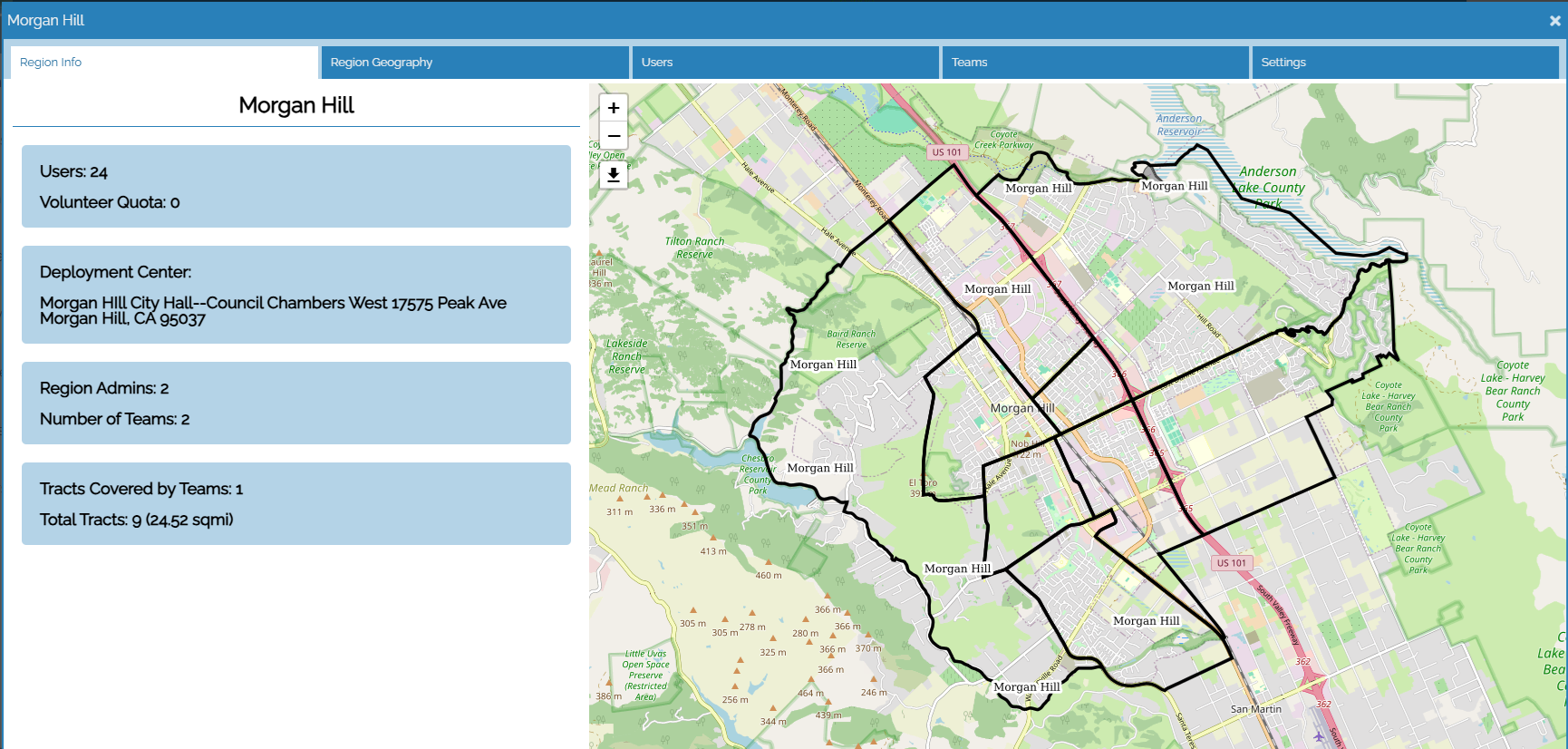
The Region Management feature enables a Count Administrator to split the Continuum of Care into smaller regions, or jurisdictions, and assign a "jurisdictional lead" to each of these areas.
 |
The Region and Count Team Management provides these key benefits...
- Management tools to ensure the CoC is properly canvassed
Count Administrators can select census tracts from the map-based interface to define the sub-regions within the Continuum of Care. Once these subregions are defined, "jurisdictional leads" are assigned.These jurisdictional leads create count teams, define the coverage areas for these count teams, and assign surveyors to these teams. During the count, these leads monitor incoming data submitted by any surveyor assigned to their region and address data quality issues as they occur. The Roles and Responsibilities of Jurisdictional Leads guidance provides details on this role and the tools and resources available to support it.
- Integration with the Surveyor Registration Portal
If the region also chooses to include the Surveyor Registration Portal, then surveyors can choose the region(s) within the CoC they would like to count within. The jurisdictional lead uses the registration information to create well-balanced count teams. Once the local quota for volunteers is reached the option to choose the region is hidden on the portal.
- Spreads out the work of managing the count
Regional Count Admin has a restricted view into the command center that limits the volume of survey information to only include the surveys gathered by surveyor assigned to his or her designated geographic-region within the CoC.
- Key count details are provided to each surveyor through the "My Count" feature within the Counting Us app. This includes:
- when the count is
- who is the designated technical lead for local support
- what region the surveyor is assigned to
- what team they have been assigned to
- what the team's designated coverage area is
- who else is on the count team
- who is the count team leader
- where to meet up
- other critical information such as what to bring, where to get incentives, etc.
Additional guidance on managing Regions and Count Teams can be found here.