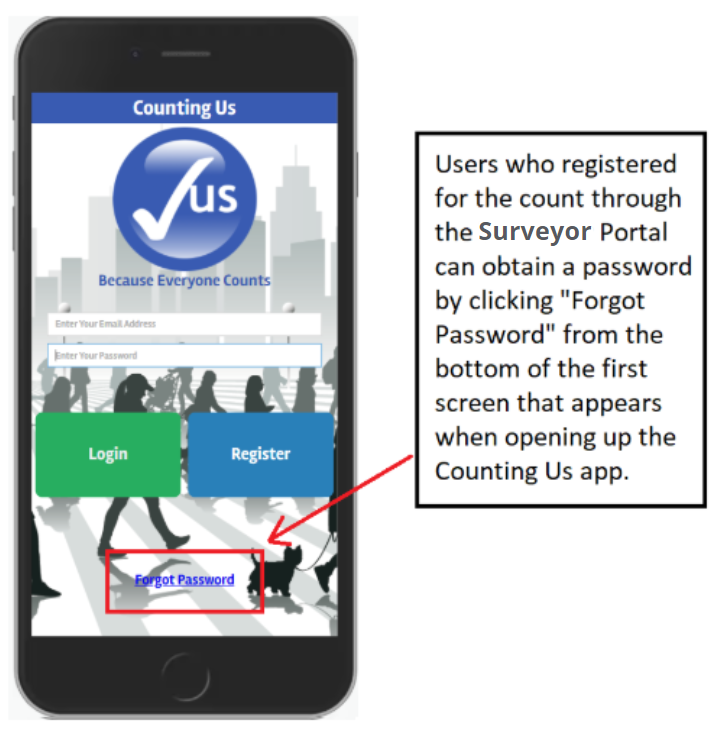
To obtain a password for your Counting Us account:
- Sign up through your community's Surveyor Registration Portal
- Download the Counting Us app from Google Play or the App Store
- Open the app and click the "Forgot Password" link on the bottom of the screen
- Follow the steps to set your account password